VR headsets mainly fall into two categories: standalone and PC-based. Standalone headsets operate independently with built-in processors, sensors, and screens, making them portable and easy to use, but with slightly less detailed graphics. PC VR headsets connect to powerful computers for sharper visuals and more precise tracking, ideal for gaming and professional tasks. To understand which fits your needs best and explore their pros and cons, keep exploring these options further.

Get your wardrobe favorites delivered free with Prime
- Fast, free delivery on millions of items
- Prime Video, Amazon Music and more included
- Member-only deals all year
Key Takeaways
- Standalone VR headsets operate independently with built-in hardware, offering portability and wireless freedom.
- PC VR headsets connect to external computers, providing higher graphics quality and more precise tracking.
- Standalone headsets are ideal for casual use and mobility, while PC VR suits high-performance, detailed experiences.
- PC VR systems typically have better graphics, lower latency, and advanced room-scale tracking compared to standalone options.
- Choice depends on activity needs, budget, and preference for portability versus high-end visual fidelity.
As an affiliate, we earn on qualifying purchases.
What Are the Main Types of VR Headsets?

There are three main types of VR headsets you should know about: tethered, standalone, and mobile. Tethered headsets connect to a PC or gaming console, offering high-quality graphics but can cause motion sickness if movement isn’t smooth. They’re also great for social interactions in multiplayer games, letting you connect with others in immersive environments. Standalone headsets operate independently, with built-in processing power and screens, making them portable and easy to use. They often have fewer wires, reducing discomfort and motion sickness risks during extended sessions. Mobile VR headsets use your smartphone as the display and processor, making them affordable and portable. However, they typically provide simpler experiences, and motion sickness can still occur if the visuals or frame rate aren’t ideal. Additionally, adaptive lighting and circadian support features in some VR systems can enhance comfort and reduce eye strain during extended use, and understanding technology integration can help users optimize their VR experience. Incorporating ergonomic design principles can further improve comfort for prolonged usage. Furthermore, advancements in motion tracking accuracy can significantly reduce discomfort and improve immersion during gameplay or relaxation sessions. It is also beneficial to consider user comfort features, such as adjustable straps and padding, to ensure a better experience.
How Do Standalone VR Headsets Work and What Are Their Benefits?

Standalone VR headsets operate independently by integrating all essential components—such as processors, displays, and sensors—within a single device, so you don’t need external hardware like PCs or gaming consoles. This design allows you to move freely without tangled wires, thanks to wireless connectivity that streams data directly to the headset. You can enjoy immersive experiences anywhere, without being tethered to a computer. Battery life is a key benefit, giving you hours of gameplay or VR content without needing frequent recharges. Additionally, their compact design makes them highly portable for on-the-go use. With these features, you get a portable, easy-to-use VR experience that’s perfect for casual gaming, training, or entertainment, all without the hassle of external cables or hardware dependencies. Their wireless connectivity is made possible through advanced internal components that eliminate the need for external devices, enhancing the overall user experience. Modern standalone headsets also incorporate power management technology to optimize battery life, ensuring extended use without compromising performance. This integration of small system components enhances reliability and simplifies user operation.
How Do PC VR Systems Compare in Performance and Features?
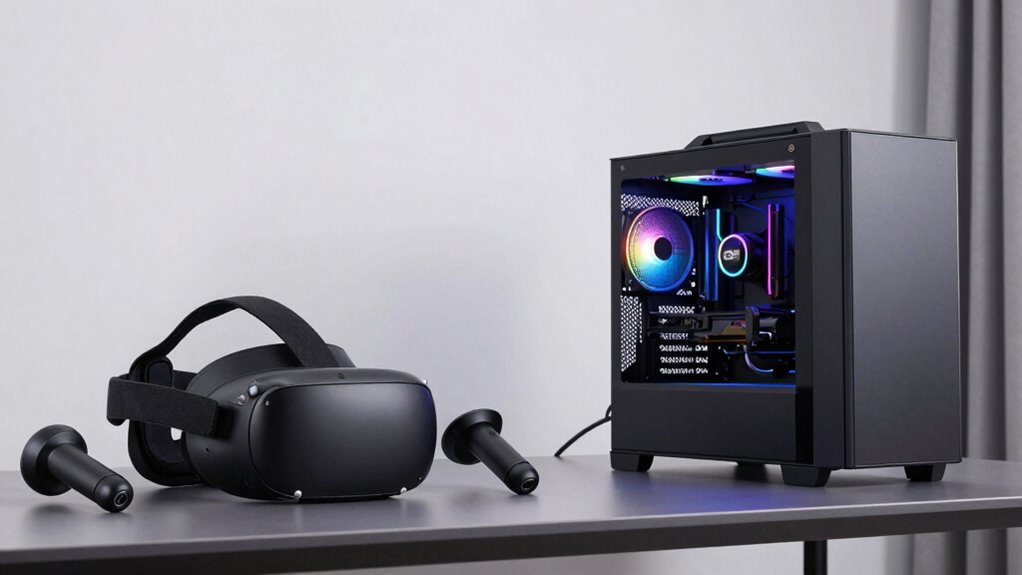
PC VR systems generally offer higher performance and more advanced features compared to standalone headsets because they leverage powerful external hardware. This means smoother visuals, faster response times, and richer experiences. You’ll enjoy precise motion controllers that let you interact naturally and room scale tracking that turns your space into a virtual playground. With a PC VR setup, you can explore expansive worlds, perform complex tasks, and experience immersive realism. The enhanced tracking and controller accuracy make every movement feel intuitive. Additionally, hardware upgrades allow for customization and future-proofing of your VR experience, ensuring you can keep up with technological advancements over time. This flexibility also enables users to adapt their systems for specific applications, such as professional training or detailed design work.
Which VR Headset Is Best for Gaming, Virtual Tours, or Work?
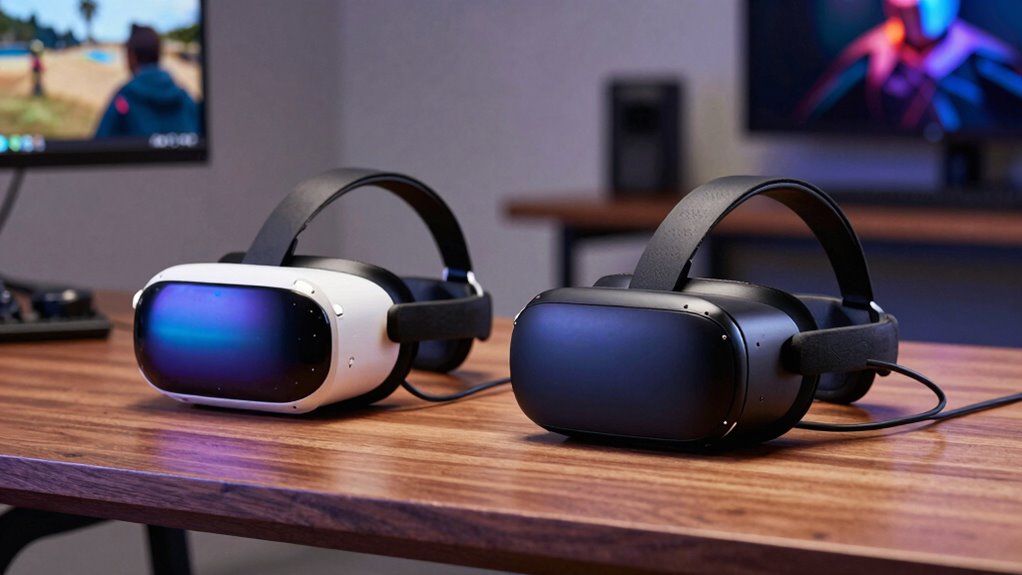
Choosing the right VR headset depends on what you want to do most, whether it’s gaming, exploring virtual tours, or working efficiently. Different headsets excel in performance, comfort, and features tailored to each activity. Let’s look at how each option stacks up for your specific needs.
Gaming Performance Differences
When it comes to gaming performance, not all VR headsets deliver the same experience, so your choice can markedly impact your immersion and responsiveness. Standalone headsets often have limited processing power, which can cause lower visual quality and increased latency, potentially leading to motion sickness during fast-paced games. PC VR systems generally offer higher resolutions and faster refresh rates, reducing lag and boosting responsiveness. This can improve social interaction in multiplayer games, making communication smoother and more natural. However, some headsets might struggle with sustained performance, so it’s essential to contemplate your hardware setup. Overall, for the best gaming performance, a high-quality PC VR headset tends to provide a more seamless, comfortable experience, especially if you want to minimize motion sickness and maximize social engagement.
Virtual Tour Experiences
Are you looking for a VR headset that offers the best experience for virtual tours, work, or casual exploration? If so, focus on virtual tour features like high-resolution displays and wide fields of view, which enhance immersion and detail. Headset ergonomics are equally important, ensuring comfort during extended use. Look for adjustable straps, balanced weight distribution, and soft padding to prevent fatigue. Standalone headsets often excel here due to their lightweight design, making long virtual explorations more comfortable. PC VR headsets may offer superior visual clarity but can be bulkier. Additionally, monitoring social media giveaways and promotional offers can help you access high-quality headsets at a better value, making your virtual experience more accessible. Ultimately, choose a headset that combines impressive virtual tour features with ergonomic design for a seamless, enjoyable experience, whether you’re exploring distant landmarks or casually browsing virtual environments. Additionally, prioritizing everyday safety tips can help ensure you stay aware and prepared during your virtual explorations.
Work and Productivity
If you’re seeking a VR headset that boosts your productivity or enhances work-related tasks, selecting the right device is crucial. Look for an ergonomic design that guarantees comfort during long hours, reducing fatigue and improving focus. A well-designed headset should fit comfortably and stay secure without causing strain. Hardware durability is equally important; a sturdy device withstands daily use and occasional mishaps, saving you money in the long run. Standalone headsets often provide portability and ease of use, while PC VR options typically offer higher fidelity and customization. Consider your work environment and tasks—whether virtual meetings, design, or data analysis—and choose a headset that balances comfort, durability, and performance for maximum productivity. Additionally, paying attention to safety and transfer switch features ensures reliable operation during extended use. Ensuring your VR setup includes proper wiring and safety measures can prevent potential hazards and promote a safe working experience. For optimal ergonomic setup, selecting a headset that minimizes physical strain can lead to better long-term comfort and efficiency. Moreover, understanding the importance of design principles can help you choose equipment that aligns with your ergonomic needs and enhances overall productivity. Incorporating ergonomic accessories can further improve comfort during extended use, supporting sustained focus and reducing discomfort.
How Do Performance, Graphics, and Tracking Differ Between Standalone and PC VR?

Standalone VR headsets often deliver smooth performance and decent graphics by relying on integrated hardware, but they can’t match the processing power of a high-end PC. As a result, you might notice lower visual fidelity and less detailed environments compared to PC VR. Tracking accuracy is generally good but can occasionally lag, increasing latency and potentially causing motion sickness during fast movements. This latency can disrupt immersion and make experiences less comfortable. PC VR systems typically offer sharper graphics and more precise tracking thanks to powerful GPUs and external sensors. This reduces latency and minimizes motion sickness risks, especially in fast-paced games. Overall, while standalone headsets are more convenient, PC VR provides superior performance, graphics, and more reliable tracking for demanding experiences.
What Key Factors Should You Consider When Choosing a VR Headset?

When choosing a VR headset, you need to prioritize comfort and fit so you can enjoy longer sessions without discomfort. Performance and compatibility are also vital, ensuring the headset works smoothly with your devices and meets your gaming or application needs. Considering these factors helps you pick a headset that feels right and performs well for your specific use. Additionally, understanding compact living principles can help you select space-efficient storage or setup options if your living environment is small. Being aware of space-saving solutions can further optimize your VR setup in limited spaces. Incorporating ergonomic design considerations can enhance comfort during extended usage and reduce fatigue. Being mindful of hardware requirements ensures your setup is capable of supporting the desired VR experience without technical issues. Recognizing setup flexibility can also help adapt your VR environment to different spaces and user preferences.
Comfort and Fit
Choosing a comfortable and well-fitting VR headset is essential for an enjoyable experience, especially during extended use. Look for an ergonomic design that distributes weight evenly to prevent strain and discomfort. Adjustable straps allow you to customize the fit, ensuring the headset stays secure without being too tight. Pay attention to padding around the face and on the head; soft, breathable materials improve comfort. A proper fit reduces light leaks and enhances immersion. Keep in mind that everyone’s head shape is different, so trying on different models can help you find the best fit. Remember, a well-fitting headset minimizes fatigue and distractions, letting you focus fully on your virtual experience. Prioritize comfort and fit to maximize your enjoyment during every session.
Performance and Compatibility
To guarantee your VR headset delivers smooth, high-quality experiences, you need to take into account its performance and compatibility carefully. Hardware integration is vital, as your device’s processing power, graphics capabilities, and sensors directly impact visual quality and responsiveness. Ensure your PC or console meets the recommended specifications for PC VR or that standalone headsets have sufficient internal hardware. Software compatibility is equally important; check if your favorite games and apps support the headset. Some headsets work seamlessly with popular platforms, while others may have limited options. A well-integrated system reduces lag, improves tracking accuracy, and provides a more immersive experience. Balancing hardware performance and software compatibility ensures your VR setup runs smoothly and stays future-proof.
What Are the Drawbacks of Standalone and PC VR Headsets?
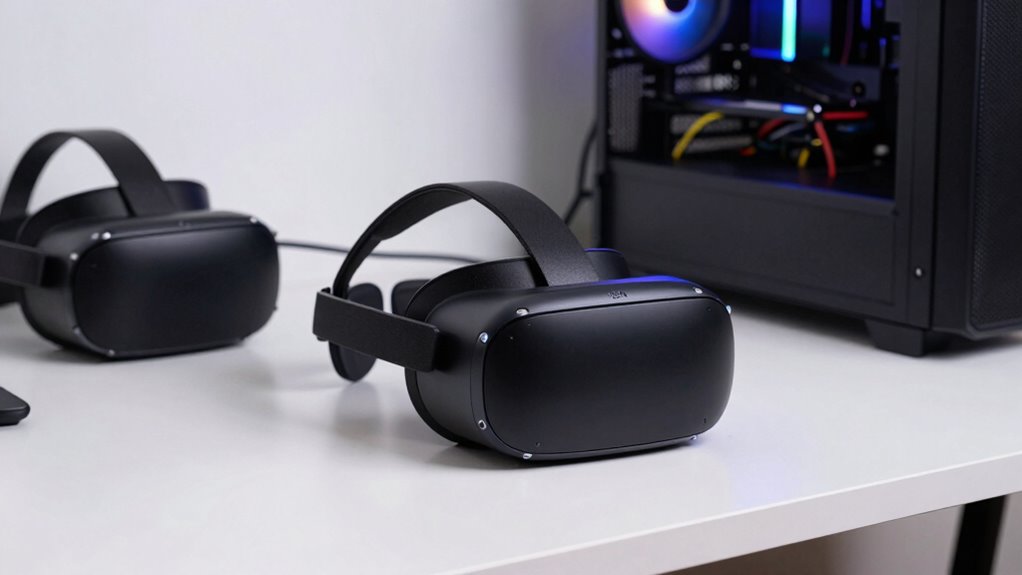
Standalone and PC VR headsets each have their own limitations that can impact your experience. For standalone headsets, battery life is a major concern; you might find yourself needing frequent recharges during long sessions, which interrupts immersion. Motion sickness can also be an issue if the headset’s tracking isn’t smooth or if graphics aren’t optimized, causing discomfort or nausea. PC VR headsets often require a powerful PC, which can be expensive and bulky, limiting portability. They may also pose a risk of motion sickness if your hardware struggles to deliver consistent performance. Additionally, the cables can restrict movement, reducing the feeling of immersion. Both types demand some technical knowledge for setup and troubleshooting, which could be frustrating if you’re new to VR.
What’s the Best Value VR Headset for Your Budget?
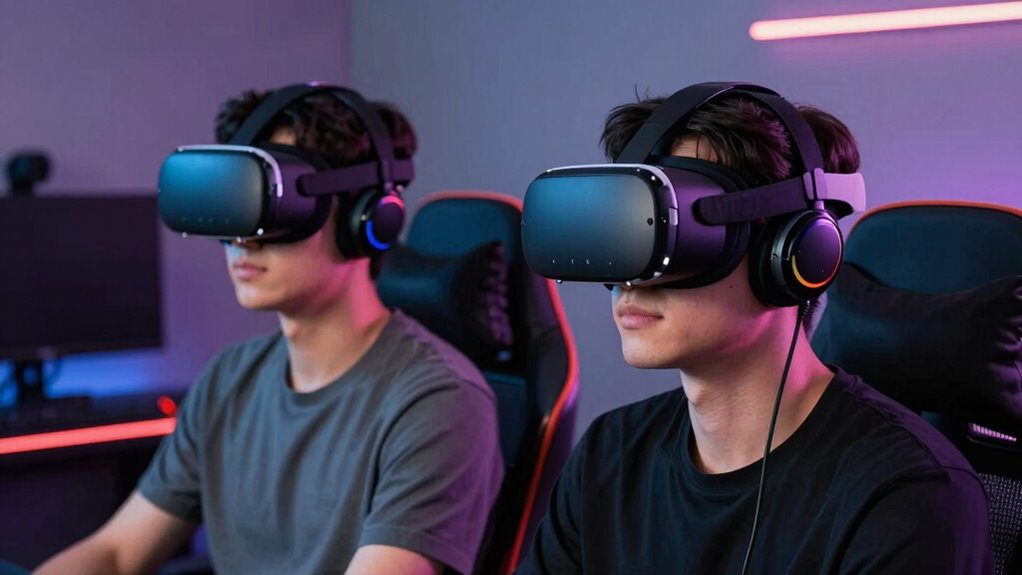
If you’re concerned about balancing cost with quality, finding the best value VR headset becomes important. Budget-friendly options like the Meta Quest 2 offer solid performance without breaking the bank. They typically reduce issues like motion sickness by providing smoother visuals and better tracking, making long sessions more comfortable. These headsets also excel in social connectivity, allowing you to join multiplayer games and social VR apps easily. While they may lack some high-end features, they deliver enough immersion and functionality for most casual users. If your goal is to enjoy VR without overspending, these headsets give you a good mix of affordability, comfort, and social engagement, making them the smart choice for newcomers and budget-conscious gamers alike.
Frequently Asked Questions
Can I Use a Standalone VR Headset With a PC?
Yes, you can use a standalone VR headset with a PC if it has wireless connectivity options like Wi-Fi or Bluetooth, allowing you to connect wirelessly or via compatible adapters. Keep in mind, content compatibility might be limited, as some standalone headsets are designed primarily for their own app stores. Make sure to check if the headset supports the PC platform or any streaming features for seamless gameplay.
How Does Latency Differ Between Standalone and PC VR?
Latency in standalone VR headsets is generally higher than in PC VR, making you feel like you’re chasing your tail. Motion-to-photon delay is more noticeable due to wireless transmission issues and less powerful processors, causing slight lag. In contrast, PC VR’s wired connection and robust hardware keep latency low, providing a smoother experience. So, if you want quick reactions, PC VR’s your best bet, but standalone offers freedom and convenience.
Are There Any Health Risks Associated With Long-Term VR Use?
Long-term VR use can cause eye strain and motion sickness if you’re not careful. You might experience headaches, blurred vision, or dizziness after extended sessions. To reduce these risks, take regular breaks, adjust the headset for comfort, and guarantee proper fit. Staying mindful of your body’s signals helps prevent discomfort. If symptoms persist, consider limiting your VR time or consulting an eye specialist for personalized advice.
What Are the Future Trends in VR Headset Technology?
Sure, the future of VR headsets is all about keeping you immersed, even if you think you’ve seen it all. Expect smarter eye tracking that anticipates your needs and haptic feedback so realistic, you’ll forget you’re not actually there. Soon, you’ll control worlds with just a glance and feel every detail. Ironically, these advances might make it harder to leave your virtual paradise, but hey, who wouldn’t love that?
How Easy Is It to Switch Between Standalone and PC VR Setups?
Switching between standalone and PC VR setups is fairly straightforward if you focus on device compatibility and setup complexity. You’ll typically need to connect your headset to your PC using a cable or wireless link, which can vary in ease. Once set up, swapping modes involves launching different apps or adjusting settings. While some headsets make this process seamless, others may require more effort, so it depends on your device.
Conclusion
Choosing between standalone and PC VR is like picking the right tool for a job—you’ll want what fits your needs best. Standalone headsets are perfect if you want portability and ease, while PC VR offers top-tier graphics and performance. Consider what you’ll use your headset for and your budget. By weighing these factors, you’ll find the perfect fit—like a key fitting perfectly into a lock—making your virtual experiences truly immersive.
Halloween Picks
halloween
As an affiliate, we earn on qualifying purchases.