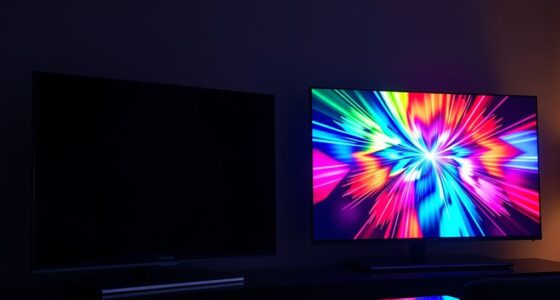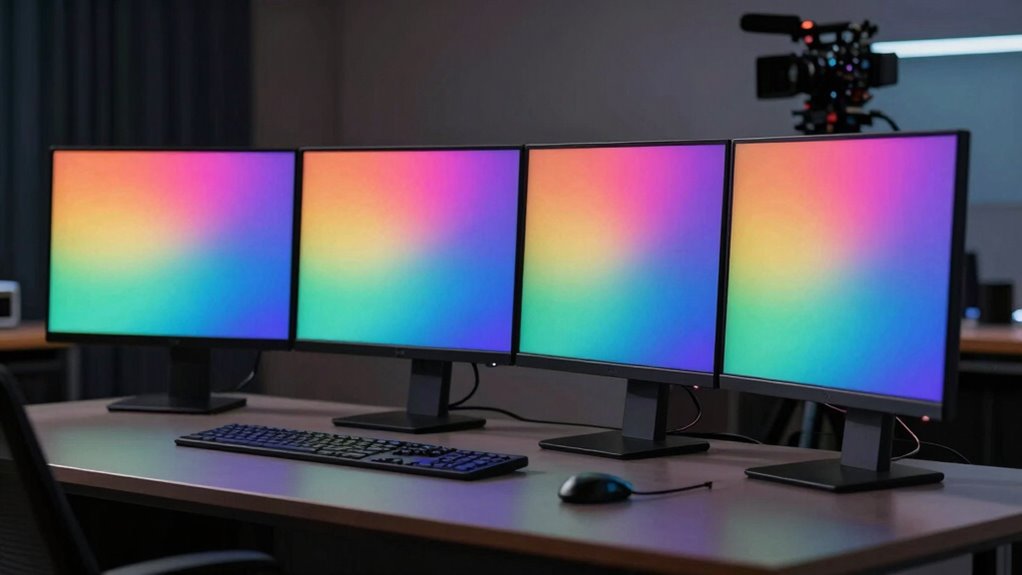

Choosing the right color grading reference monitor in 2026 means balancing accuracy, size, and workflow needs. The SmallHD Cine 7 stands out for on-camera use with exceptional daylight visibility, ideal for location shoots. The ASUS ProArt PA32UCDM offers stunning 4K OLED with high refresh rates, perfect for detailed editing. Meanwhile, the Calibrite Video Photo Kit provides professional calibration for high-brightness displays, critical for post-production environments. Each option involves tradeoffs: portability vs. ultimate color precision, cost vs. feature set, and size vs. versatility.

Get your wardrobe favorites delivered free with Prime
- Fast, free delivery on millions of items
- Prime Video, Amazon Music and more included
- Member-only deals all year
Key Takeaways
- The SmallHD Cine 7 excels in daylight visibility and camera control, ideal for on-set grading.
- The ASUS ProArt PA32UCDM offers superb color accuracy and high refresh rates for detailed editing and color grading.
- Calibration kits like the Calibrite Video Photo Kit ensure consistent color across devices but require technical setup.
- Choosing a monitor depends heavily on workflow, with portable on-camera options versus high-end studio displays.
- Premium models deliver exceptional accuracy but come at a significantly higher price point.
| SmallHD Cine 7 On-Camera Monitor with 7-Inch LCD Touchscreen, Daylight Visibility, 3G-SDI/HDMI, 100% DCI-P3 Color Coverage, and Camera Control Capability |  | Best for On-Location Shooting and Field Use | Display Size: 7 inches | Resolution: 1920×1200 | Brightness: 1800 Nits | VIEW ON AMAZON | See Our Full Breakdown |
| Calibrite Photo Kit with Display Pro HL Monitor Calibration Colorimeter and ColorChecker Passport Photo 2 |  | Best for Calibration and Workflow Precision | Display Pro HL luminance: Variable (not specified) | Supports: LCD, Mini-LED, OLED | Includes: ColorChecker Passport Photo 2, Calibrite PROFILER software | VIEW ON AMAZON | See Our Full Breakdown |
| Calibrite Video Photo Kit with Display Plus HL Colorimeter and ColorChecker Passport Video 2 |  | Best for Video and High-Brightness Calibration | Colorimeter: Display Plus HL | Brightness Support: up to 10,000 nits | Compatibility: Windows, macOS | VIEW ON AMAZON | See Our Full Breakdown |
| ASUS ProArt PA32UCDM 32 Inch 4K 240Hz OLED Professional Monitor for Mac |  | Best for High-Resolution, Studio-Grade Editing | Display Size: 32 inches | Resolution: 3840 x 2160 (4K UHD) | Refresh Rate: 240Hz | VIEW ON AMAZON | See Our Full Breakdown |
| Calibrite Creator Kit with Display 123 Colorimeter and ColorChecker Passport Video 2 |  | Best for Multi-Device Color Consistency | Package Dimensions: 7.36 x 5.63 x 2.72 inches | Item Weight: 0.005 ounces | Includes: Colorimeter and ColorChecker Passport Video 2 | VIEW ON AMAZON | See Our Full Breakdown |
| color grading reference monitor | Includes |
|---|---|
| SmallHD Cine 7 On-Camera Monit | — |
| Calibrite Photo Kit with Displ | ColorChecker Passport Photo 2, Calibrite PROFILER software |
| Calibrite Video Photo Kit with | ColorChecker Passport Video 2 |
| ASUS ProArt PA32UCDM 32 Inch 4 | — |
| Calibrite Creator Kit with Dis | Colorimeter and ColorChecker Passport Video 2 |
More Details on Our Top Picks
SmallHD Cine 7 On-Camera Monitor with 7-Inch LCD Touchscreen, Daylight Visibility, 3G-SDI/HDMI, 100% DCI-P3 Color Coverage, and Camera Control Capability
The SmallHD Cine 7 is a compact, bright monitor designed for on-camera use, featuring 1800 nits brightness for clear visibility even in direct sunlight. Its 100% DCI-P3 coverage offers accurate color reproduction critical for grading. Compared with larger studio monitors, it sacrifices size for portability, making it perfect for location shoots. The inclusion of camera control support via Ethernet allows seamless integration into professional workflows, although this feature requires additional setup and licensing. Its relatively lightweight and rugged build make it suitable for handheld use, but it’s less ideal for static studio environments due to its size and weight.
Pros:- High brightness for outdoor visibility
- Excellent color accuracy with full DCI-P3 coverage
- Versatile connectivity including 3G-SDI and HDMI
- Supports professional camera control and LUT overlays
Cons:- Relatively heavy for handheld use
- Requires additional cables and licenses
- Expensive compared to simpler monitors
Best for: Filmmakers and location shooters needing a portable, daylight-visible monitor with professional tools.
Not ideal for: Studio-based editors or users without a need for daylight visibility or camera control features.
- Display Size:7 inches
- Resolution:1920×1200
- Brightness:1800 Nits
- Color Coverage:100% DCI-P3
- Connectivity:3G-SDI, HDMI
- Weight:1.3 pounds
Our verdict“A top choice for on-camera grading and field work where daylight visibility and camera control are priorities.”
Calibrite Photo Kit with Display Pro HL Monitor Calibration Colorimeter and ColorChecker Passport Photo 2
The Calibrite Photo Kit is tailored for photographers and editors seeking precise color management. Its Display Pro HL colorimeter supports modern displays like mini LED and OLED, making it ideal for calibrating high-end screens. The included ColorChecker Passport Photo 2 supports camera profiling, enabling consistent color from capture through editing. Compared to basic calibration tools, this kit offers comprehensive workflow integration, though it demands some technical know-how for setup. It’s best suited for users who need guaranteed color accuracy across multiple devices, especially in post-production environments involving RAW workflows.
Pros:- Supports calibration of high-luminance and OLED displays
- Includes tools for camera profiling
- Ensures consistent color workflow from capture to edit
Cons:- Setup can be complex for beginners
- Price may be high for casual users
- Limited details on system compatibility
Best for: Photographers, colorists, and editors focused on maintaining accurate color across high-end displays and cameras.
Not ideal for: Casual users or those looking for a simple, plug-and-play calibration solution.
- Display Pro HL luminance:Variable (not specified)
- Supports:LCD, Mini-LED, OLED
- Includes:ColorChecker Passport Photo 2, Calibrite PROFILER software
- Connectivity:USB-C
Our verdict“Ideal for demanding professionals who need precise calibration and color fidelity across modern displays.”
Calibrite Video Photo Kit with Display Plus HL Colorimeter and ColorChecker Passport Video 2
The Calibrite Video Photo Kit extends calibration capabilities to high-brightness displays up to 10,000 nits, suitable for professional video workflows. Its Display Plus HL colorimeter and ColorChecker Passport Video 2 enable precise white balance, exposure, and color matching across devices. This kit is especially beneficial for high-end post-production where color fidelity must be maintained on large, high-luminance screens. However, its lack of water resistance and extremely lightweight build may limit outdoor or rugged use. It’s a professional-grade tool that demands compatible software and hardware for full effectiveness.
Pros:- Supports calibration up to 10,000 nits
- Includes tools for camera matching and exposure verification
- Ensures consistent color accuracy across devices
Cons:- No water resistance for outdoor use
- Very lightweight, potential listing error
- Requires compatible software for full functionality
Best for: High-end video editors and colorists working with HDR and high-brightness displays.
Not ideal for: Casual videographers or those needing rugged, outdoor calibration tools.
- Colorimeter:Display Plus HL
- Brightness Support:up to 10,000 nits
- Compatibility:Windows, macOS
- Includes:ColorChecker Passport Video 2
Our verdict“A professional calibration kit for high-brightness displays demanding precise color and exposure accuracy.”
ASUS ProArt PA32UCDM 32 Inch 4K 240Hz OLED Professional Monitor for Mac
The ASUS ProArt PA32UCDM combines a 32-inch 4K OLED panel with a 240Hz refresh rate, making it a formidable choice for detailed color grading and fast editing. Its color accuracy with E < 1 and wide gamut coverage ensures precise grading work, especially with HDR formats like Dolby Vision. Compared to smaller, portable monitors, this model offers immersive detail but comes with a hefty price tag and significant desk space requirements. Its advanced features make it more suited for dedicated grading suites rather than mobile workflows or casual editing.
Pros:- Exceptional color accuracy with E < 1
- High refresh rate supports smooth editing
- Supports multiple HDR formats including Dolby Vision
- Extensive connectivity options like Thunderbolt 4
Cons:- High cost
- Large size demanding space
- More features than needed for basic grading
Best for: High-end post-production professionals requiring accurate, high-resolution, and fast-refresh displays.
Not ideal for: Budget-conscious users or those needing portable grading solutions.
- Display Size:32 inches
- Resolution:3840 x 2160 (4K UHD)
- Refresh Rate:240Hz
- HDR Support:DisplayHDR True Black 400, Dolby Vision
- Color Gamut:100% sRGB, 99% DCI-P3
- Color Accuracy:E < 1
Our verdict“A premium choice for detailed, high-resolution grading in dedicated studio environments.”
Calibrite Creator Kit with Display 123 Colorimeter and ColorChecker Passport Video 2
The Calibrite Creator Kit is a streamlined solution for creators who need to calibrate multiple monitors and cameras. Its Display 123 Colorimeter offers straightforward calibration for a variety of screens, while the ColorChecker Passport Video 2 ensures accurate exposure and white balance for video and photo workflows. This kit simplifies maintaining consistent color across different devices, making it excellent for multi-device environments. However, its lightweight build and limited technical details may make setup less straightforward for some users. It’s best suited for professional content creators needing reliable, repeatable calibration without extreme high-brightness features.
Pros:- Includes both monitor calibration and camera profiling
- Supports multiple devices for workflow consistency
- Easy to use for standard calibration needs
Cons:- Lightweight specification may be a listing error
- Limited info on compatibility with all systems
- No high-brightness or HDR-specific features
Best for: Photographers and videographers managing multiple devices and cameras.
Not ideal for: High-end HDR workflows or outdoor outdoor environments requiring rugged calibration tools.
- Package Dimensions:7.36 x 5.63 x 2.72 inches
- Item Weight:0.005 ounces
- Includes:Colorimeter and ColorChecker Passport Video 2
Our verdict“An excellent choice for creators focused on consistent color management across multiple devices and cameras.”
How We Picked
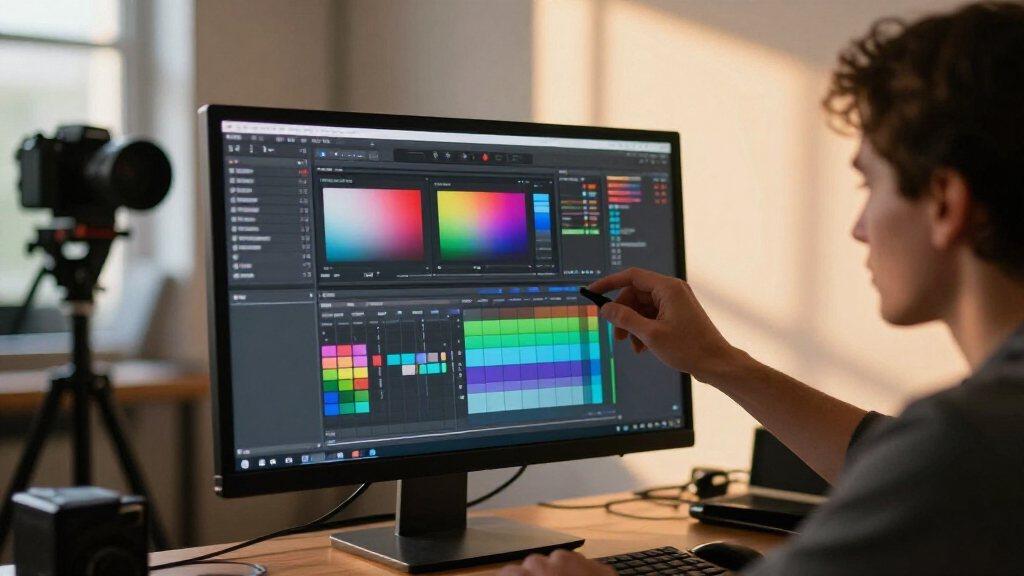
Our selection process focused on accuracy, connectivity, usability, and value for professional color grading. We prioritized monitors with high color fidelity, wide color gamuts, and HDR support, essential for precise grading. We compared features like brightness, calibration capabilities, and workflow integration, considering the needs of both on-location and post-production environments. Cost was also a factor, aiming to include a range of options from portable to high-end studio monitors, ensuring relevance for different user profiles.
| color grading reference monitor | Includes |
|---|---|
| SmallHD Cine 7 On-Camera Monit | — |
| Calibrite Photo Kit with Displ | ColorChecker Passport Photo 2, Calibrite PROFILER software |
| Calibrite Video Photo Kit with | ColorChecker Passport Video 2 |
| ASUS ProArt PA32UCDM 32 Inch 4 | — |
| Calibrite Creator Kit with Dis | Colorimeter and ColorChecker Passport Video 2 |
Factors to Consider When Choosing Color Grading Reference Monitors
Selecting the ideal color grading reference monitor depends on your specific workflow needs. Consider whether portability, ultimate color accuracy, HDR support, or calibration capabilities are your top priorities. Each professional setup requires balancing size, precision, and budget. This guide outlines key factors to help you make an informed decision based on your use case.Understanding Color Accuracy and Gamut Coverage
Accurate color reproduction is essential for grading. Look for monitors that cover the full DCI-P3 or Adobe RGB color spaces, ensuring your output matches industry standards. Devices with factory calibration or calibration tools can guarantee consistency over time, especially important for high-end projects.
Size and Portability
On-camera and location workflows benefit from small, bright monitors like the SmallHD Cine 7, which offers daylight visibility and compact form factors. For studio environments, larger displays like the ASUS ProArt provide immersive detail but require dedicated space. Consider your mobility needs versus workspace capacity.
HDR Support and Brightness
If you work with HDR content, prioritize monitors with high peak brightness and HDR formats support, such as Dolby Vision or HDR10. Brightness levels above 1000 nits enable accurate previewing of high-dynamic-range footage, crucial for colorists handling HDR workflows.
Calibration and Workflow Integration
For consistent results, select calibration kits that match your display technology. Professional calibration tools like those from Calibrite ensure your monitors remain accurate over time. Additionally, features like LUT support and camera control compatibility streamline your workflow, saving time and reducing errors.
Frequently Asked Questions
What is the most important feature in a color grading reference monitor?
The most critical feature is color accuracy, often measured by a monitor’s ability to reproduce a wide color gamut like DCI-P3 or Adobe RGB with a low delta E value. This ensures your grading decisions translate accurately across different displays and media formats.
Should I invest in a high-brightness monitor for outdoor shooting?
Yes, if you frequently shoot outdoors or in bright environments, a monitor with high brightness (above 1500 nits) and daylight visibility is essential. It allows you to see accurate colors and details without reliance on shading or additional accessories.
Are calibration kits necessary for professional grading?
Absolutely. Calibration kits help maintain consistent and accurate color reproduction over time, especially when working with multiple displays or high-end HDR workflows. They are a worthwhile investment for any serious colorist or post-production environment.
Can I use consumer-grade monitors for color grading?
While some high-end consumer monitors can be calibrated for decent accuracy, they generally lack the professional color coverage, uniformity, and calibration features needed for precise grading. For critical work, dedicated reference monitors are recommended.
What is the benefit of a monitor with HDR support?
HDR support allows you to accurately view and grade high-dynamic-range content, which has become a standard in modern filmmaking. It ensures your projects look vibrant and true to the intended aesthetic across compatible devices and platforms.
Conclusion
For on-location shooters and videographers needing daylight visibility and camera control, the SmallHD Cine 7 is the best fit. Studio professionals who require ultimate precision and high resolution should consider the ASUS ProArt PA32UCDM. For those focused on maintaining consistent color workflows across multiple devices, the Calibrite kits provide excellent calibration solutions. Your choice ultimately depends on whether you prioritize mobility, accuracy, or calibration—align your pick with your specific workflows and environment.
Halloween Picks

Pumpkin Halloween Fog Machine with 12-Color LEDs, Bluetooth Speaker, and Remote

10-Foot Halloween Inflatable Double-Headed Dragon Archway

10.5 ft Lighted Pumpkin and Ghost Halloween Inflatable Archway
As an affiliate, we earn on qualifying purchases.